Getting Started
This section guides users through the initial steps of accessing and using the system, including logging in and understanding user roles and permissions. The system can be accessed through web-based platforms using internet-enabled devices. To access the system
- Open a supported web browser
- Enter the system web address (URL) https://mne.lifebox.org/

Figure 1: Snapshot of Lifebox M&E System landing page
- Scrolling down gives an option to view main features, system components and screen shots
- Click the login or get started button to access the system dashboard then click sign in or login with AzureAD (Using Lifebox's email) or Sign Up (Recommended)
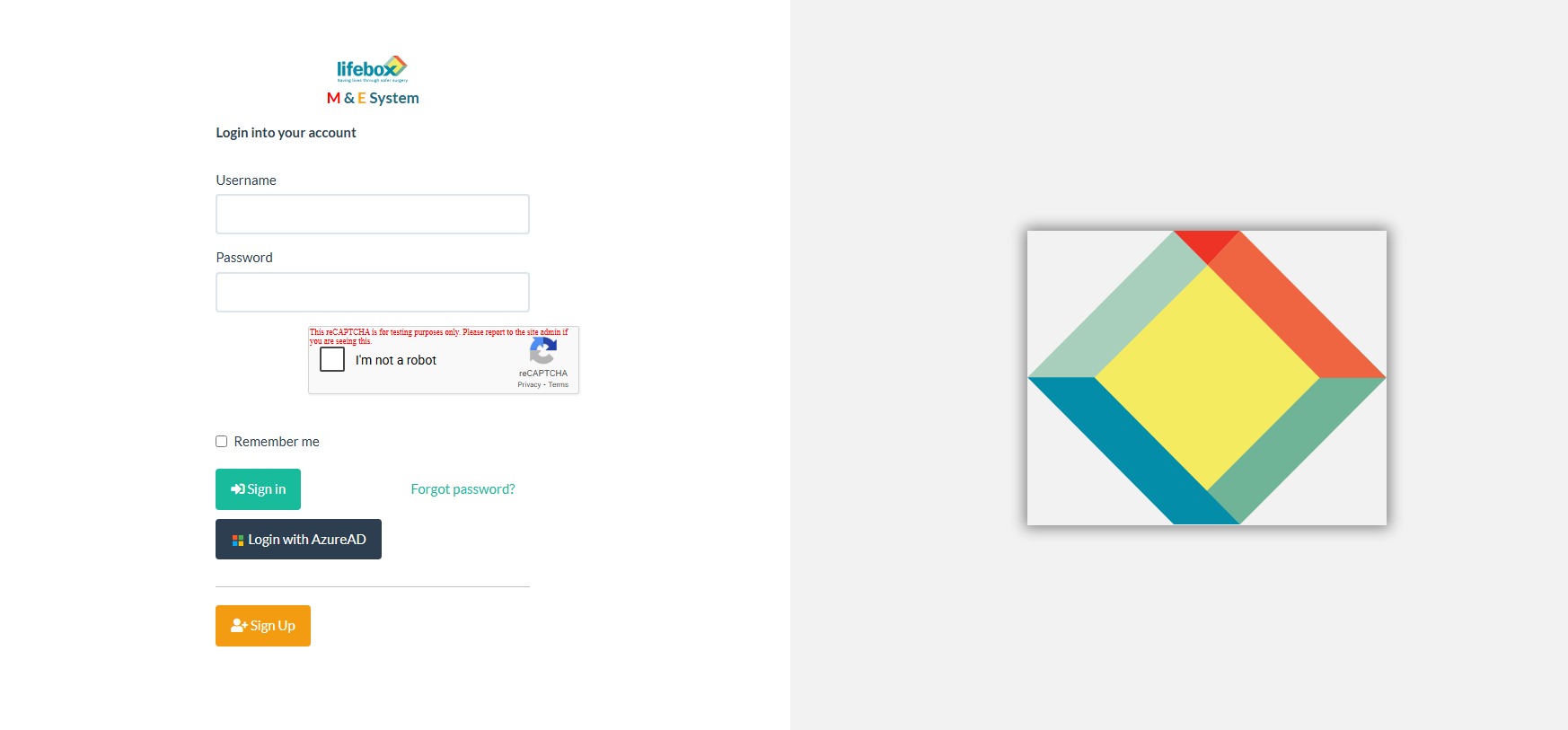
Figure 2. Snapshot of Lifebox M&E system login page
- For first time users: click sign up and fill in the registration fields which includes personal information, contact details and credentials
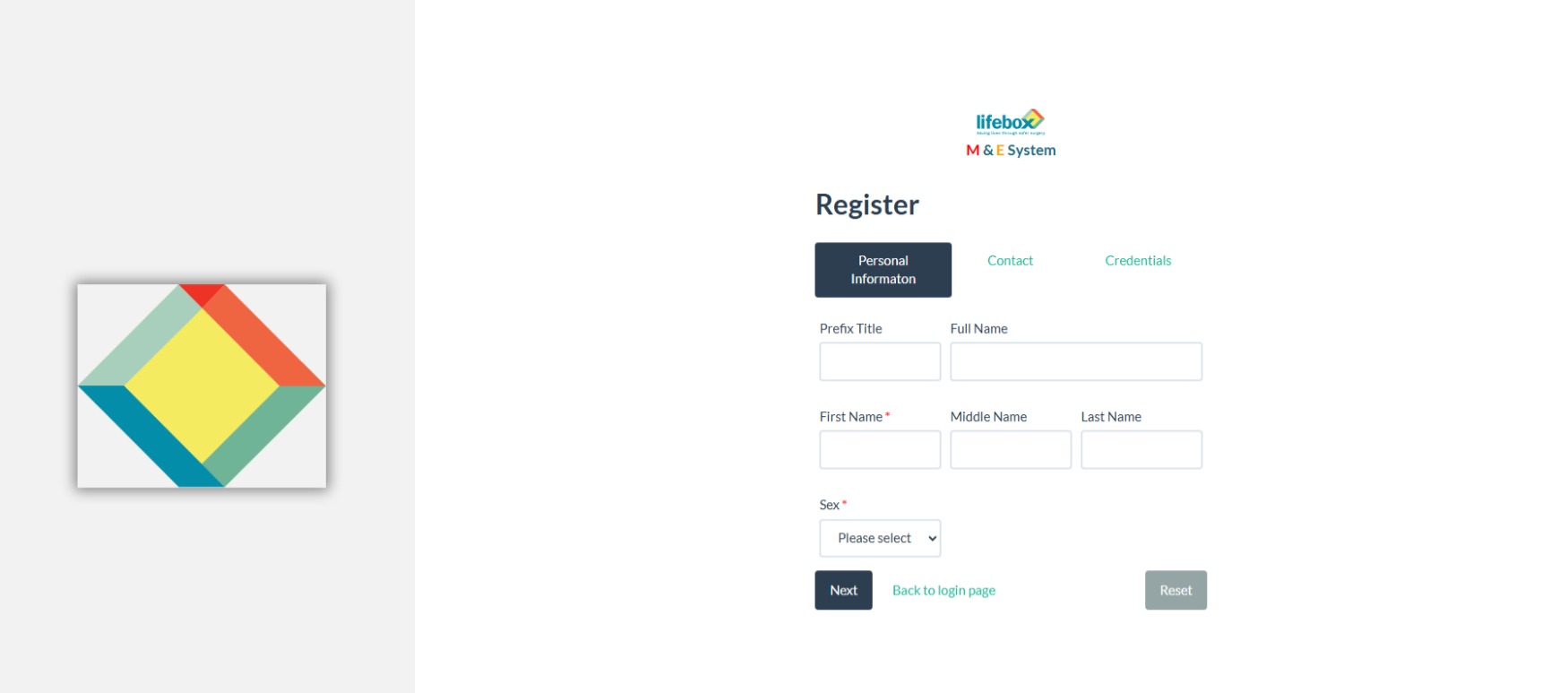
Figure 3. Snapshots of lifebox M&E system registration page
- If you forget your password
- Click on Forgot Password? on the login page.
- Enter your registered email address.
- Follow the instructions in the password reset email.
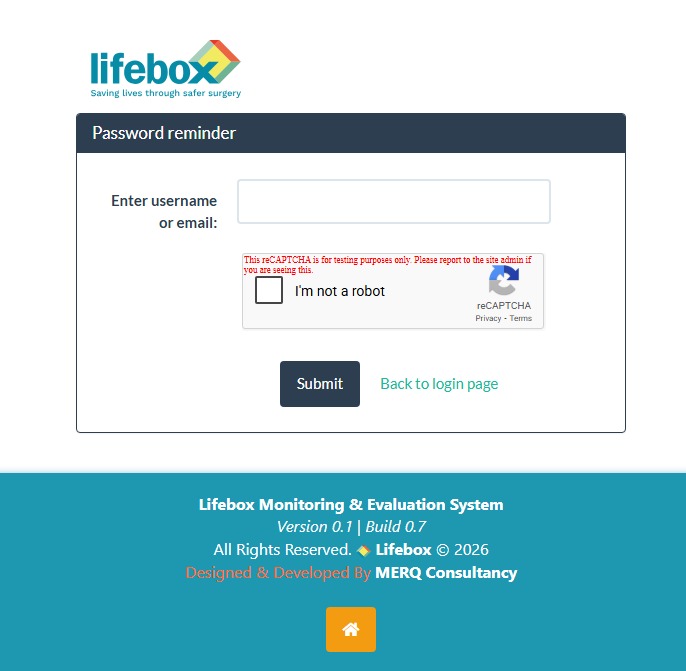
Figure 4. Snapshot of password reset page for forgotten password
User Roles and Permissions
The system is designed to support multiple types of users, each with specific roles and access levels. Assigning roles ensures that users can access only the functions relevant to their responsibilities. After login to the system user know their roles and access permission from where can I go list of options. User roles can be changed by administrator when required.
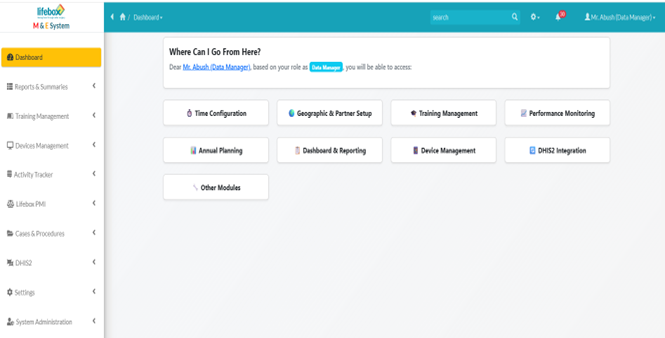
Figure 5. Snapshot of users' access role and permission
Table 1. Users' role and permission
| Role | Permission | Remark |
|---|---|---|
| Admin | Full access, including user management, data configuration, and system settings. | |
| Data Manager | Can enter, view, and analyze data, generate reports, download/export, and apply filters but cannot modify system settings or manage users. | |
| Default | Read-only access to dashboards and reports, ability to download/export without the ability to modify data or settings. | |
| M&E | Can see all the data managers can access but cannot edit them. |
By now you have logged in and understand your user role, you can start exploring the dashboard's features. Continue to dashboard navigation for an overview of how to interact with the system.🚀